Raid planning
Know the cost before you raid
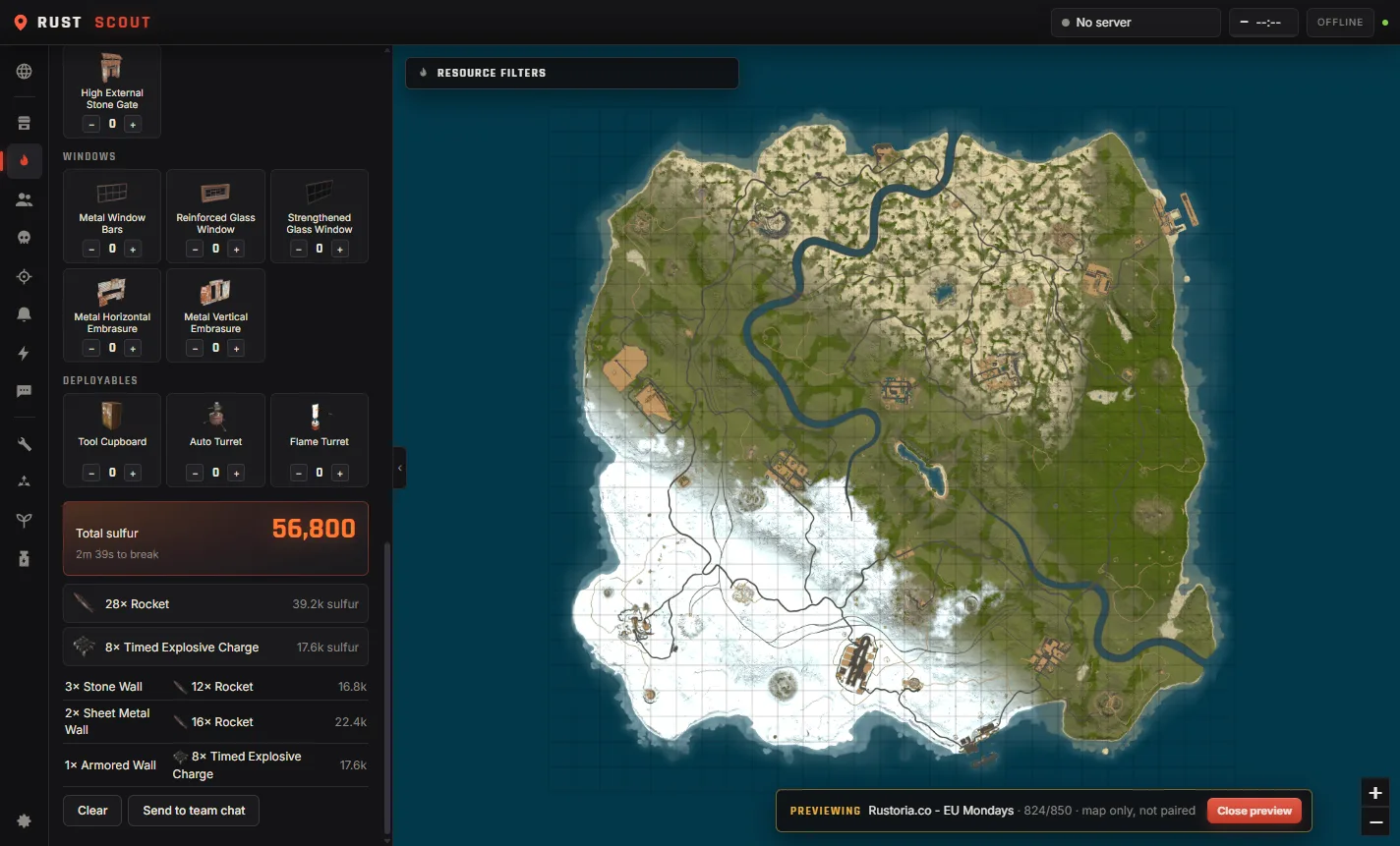
Add walls, doors and deployables, and RustScout works out the cheapest or meta way through, with total sulfur and time to break.
Send the plan straight to team chat with one click.
Your server's live map, your team, raid alerts and every Rust tool in one window, plus an overlay you can pull up over the game. No phone out mid-raid.
Windows 10 and 11 · Free forever for the core app
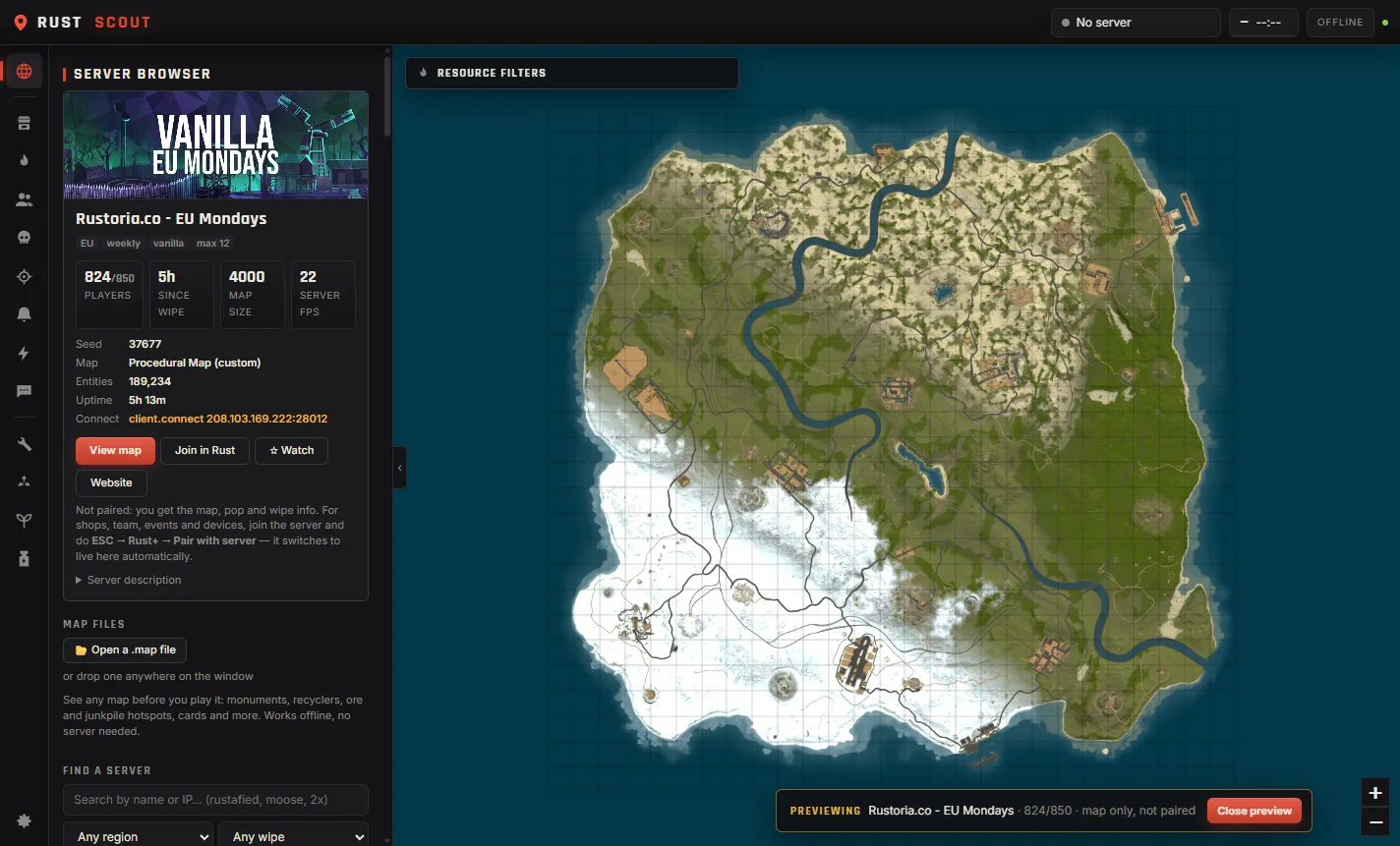
Pair a server once in game and RustScout picks it up automatically.
Your team, vending machines, monuments, ore and resource spots on one zoomable map.
Explosions, cargo, heli, Chinook, locked crates, oil rigs, smart alarms, teammate deaths and low TC upkeep.
See who's online, who died and where, and keep an eye on tracked players.
Who keeps killing you, ranked, so you know which group to watch out for.
Send alerts to a Discord channel, or run a Discord bot your team can ask questions.
Population, wipe dates and a full map preview of any server before you join.
Mark your base and stashes, and get warned before your walls start decaying.
Raid costs, crafting, recycling, power circuits and gene breeding.
Open any .map file to see monuments, recyclers, ore and junkpile hotspots before you play.
Add walls, doors and deployables, and RustScout works out the cheapest or meta way through, with total sulfur and time to break.
Send the plan straight to team chat with one click.
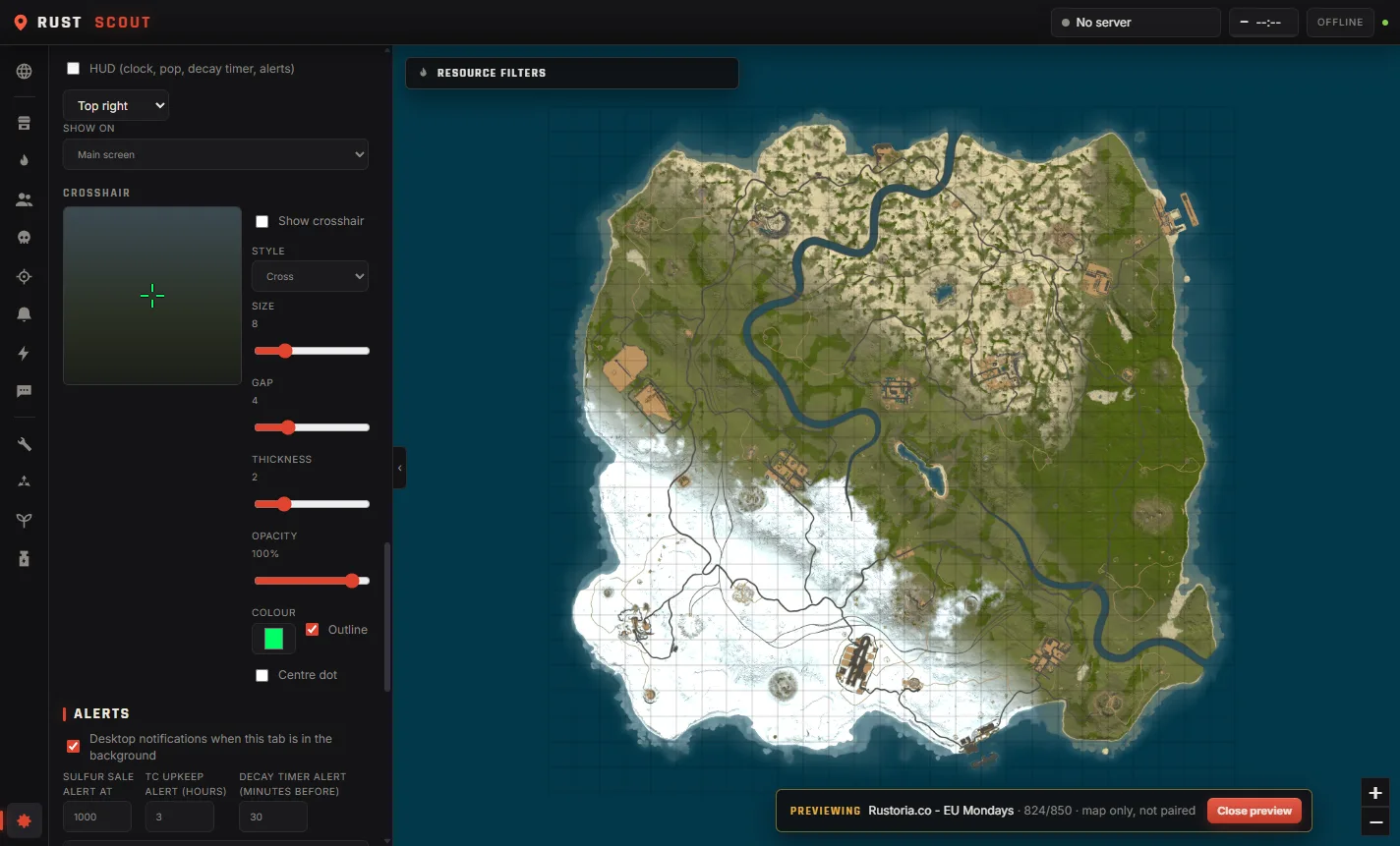
Click-through, so it never takes your mouse or keyboard. Works with Rust in Borderless or Windowed mode.
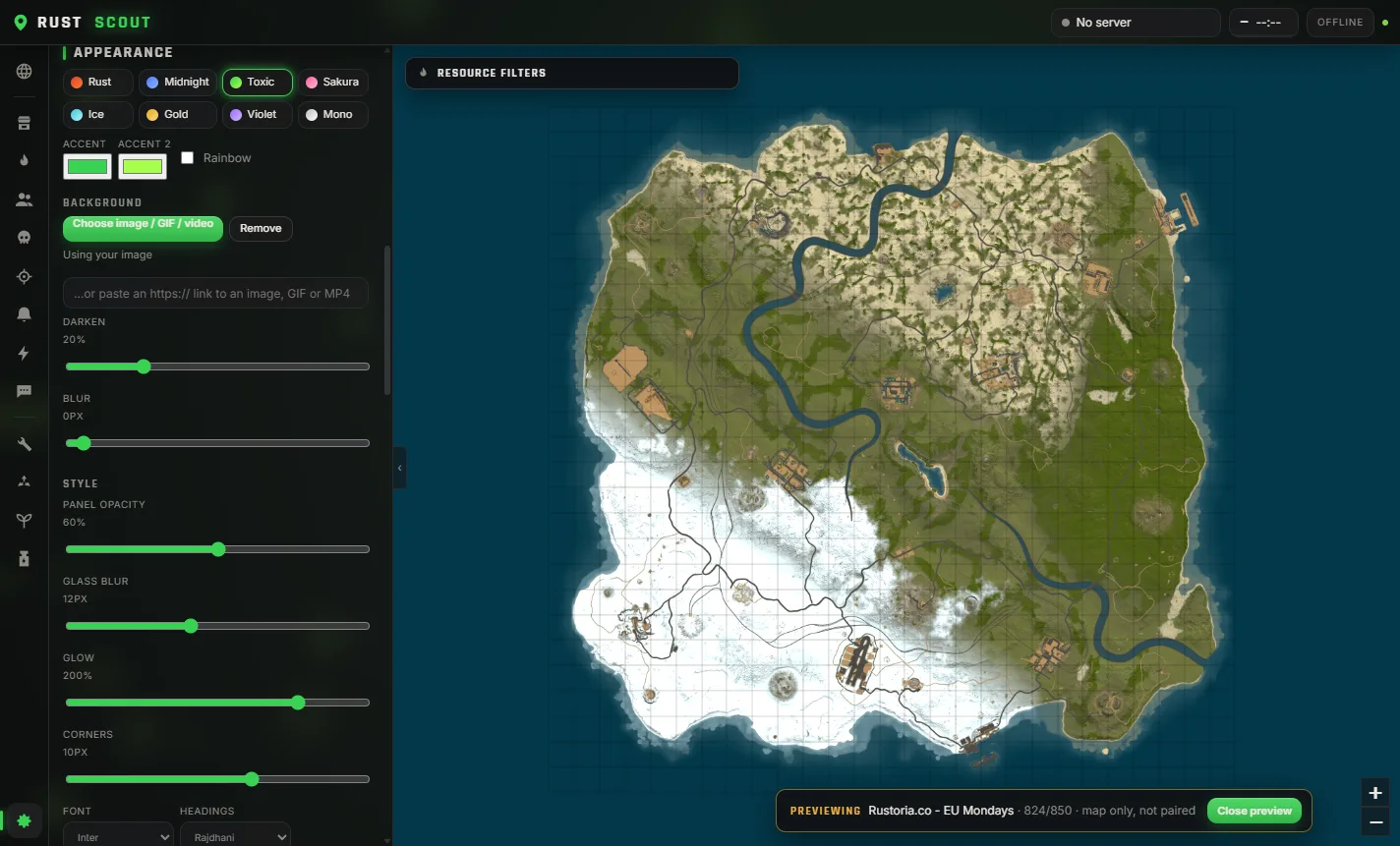
Eight themes or your own colours (rainbow included), an image, GIF or video background, glass panels, glow, corners and fonts.
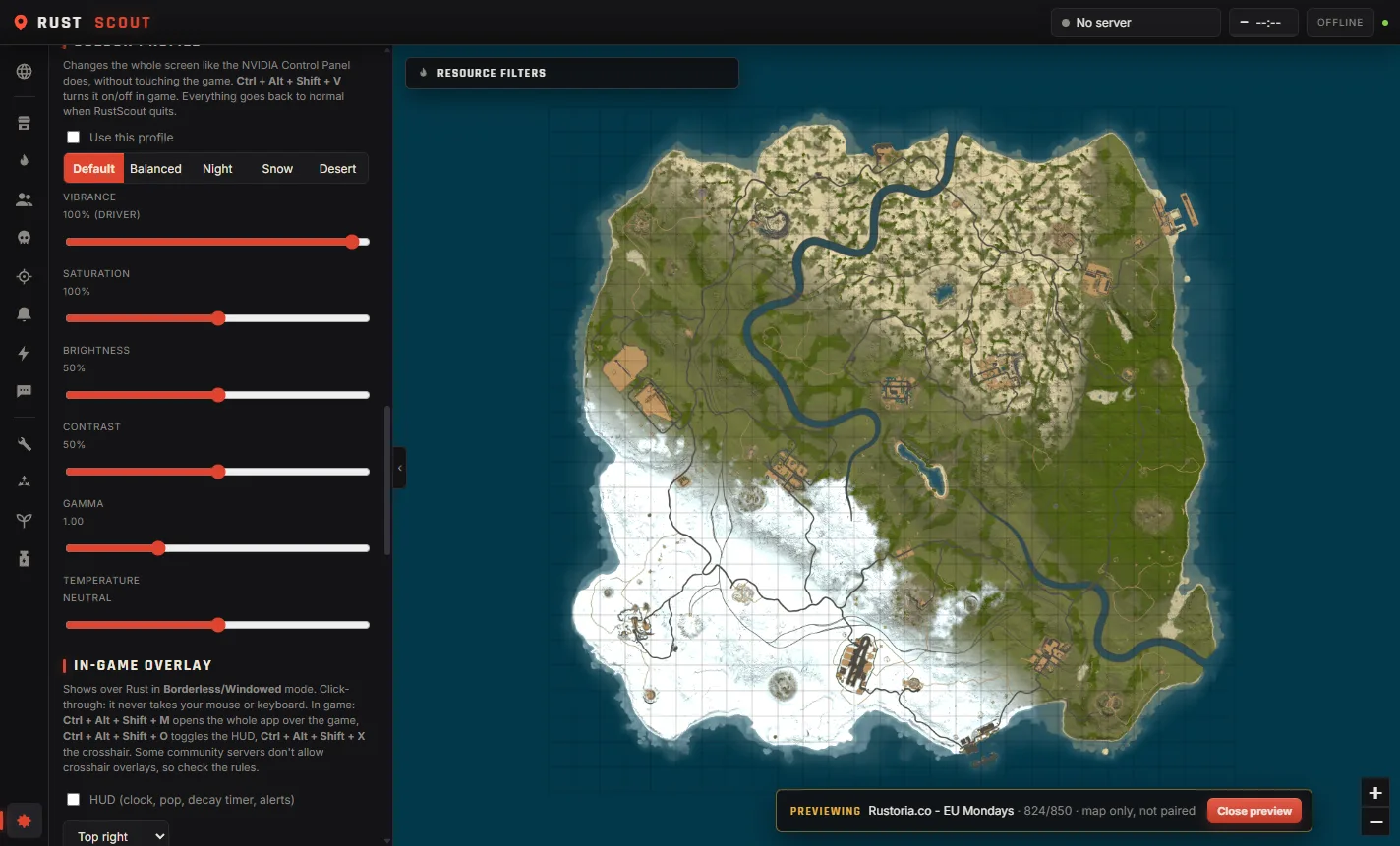
Make your own profiles with vibrance, saturation, brightness, contrast, gamma and temperature, or start from the night, snow and desert presets.
One hotkey switches between them in game, and everything goes back to normal when you close the app.
Type a command in team chat and RustScout answers for the whole team.
!pop!wipe!time!online!offline!events!cargo!heli
!chinook!vendor!crate!oil!small!large!airdrop!craft
!recycle!decay!raid!shop!sulfur!upkeep!alarms!sw
Your licence key shows up right after you pay. Paste it into Settings → RustScout Pro.
Run the installer. If Windows shows "Windows protected your PC", click More info → Run anyway.
Open RustScout, click Link Steam and sign in. This connects it to Rust+.
In Rust, press Esc → Rust+ → Pair with server. It shows up in RustScout on its own.
| Ctrl Alt M | Open RustScout over the game, press again to go back PRO |
| Ctrl Alt O | Show or hide the HUD PRO |
| Ctrl Alt X | Show or hide your crosshair PRO |
| Ctrl Alt V | Next colour profile, then off after the last one PRO |
If another program already uses one of these, RustScout picks a free one and shows it in the tray menu and Settings.
No. RustScout talks to Rust+, the same service the official Rust+ phone app uses, and draws its overlay in its own separate window. It doesn't read or change Rust's memory or files. Colour profiles change your display settings, like the NVIDIA Control Panel does.
Rust+ works on any server that has it turned on. Some community servers don't allow crosshair overlays or gamma changes, so check the rules of the server you play on.
That server's Rust+ is down or its Rust+ port is blocked. It's on the server's side, and RustScout reconnects by itself once it's back. Telling the server admins usually gets it fixed.
Use Borderless or Windowed mode in Rust's settings. Exclusive fullscreen draws over everything, including overlays.
Your key is for you. Use it on your own PCs, and don't share it.
Message us with the email you paid with and we'll send it again.
Windows only for now.